
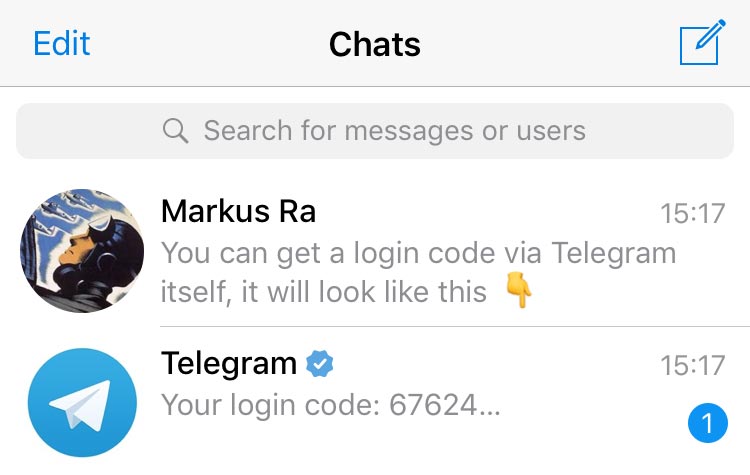
Sign up for Telegram with a phone number
Learn what happens the first time you open Telegram, how to pick a good username, and how to attach a recovery email for peace of mind.
Progress from a first-time signup to running a channel with a handful of curated tutorials. The guides are organised in three stages so you can pace yourself.

Learn what happens the first time you open Telegram, how to pick a good username, and how to attach a recovery email for peace of mind.

Link a desktop, tablet, or another phone using a QR code so cloud chats populate everywhere in seconds.
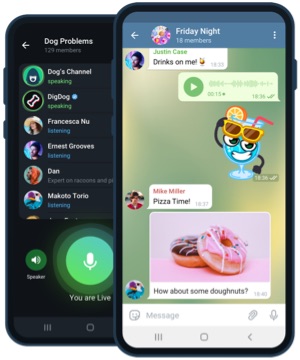
Meet folders, mute rules, pinned chats, and the archive - the four tools every Telegram user should master on day one.

Split personal chats, work channels, and bots into folders. Add unread filters so notifications only interrupt when necessary.

Configure audio quality, background blur, and screen sharing. Learn when to prefer group calls over classic voice chats.

Understand which limits Premium doubles, what stickers unlock, and how to gift Premium to friends.

Design the perfect welcome message, schedule content, use boosts, and moderate a discussion group behind your channel.
Register a bot with @BotFather, deploy a webhook, and add inline keyboards or payment sheets to build interactive flows.

Use the desktop client to export chat archives in HTML or JSON. Includes best practices for compliance and archival.
A deep dive into every Telegram capability - cloud sync, channels, bots, and more.
Follow six quick steps to lock down your account within the first day.
Answers to the most common install and account questions.
Long-read tutorials, release notes, and Telegram tips.