
Telegram APK installer for Android phones and tablets
The Telegram APK on this page is a mirrored copy of the same build Telegram Messenger ships to Google Play. It is signed by Telegram Messenger Inc., installs cleanly on Android 6.0 and above, and works on foldables, tablets, and phones without Google Play Services.
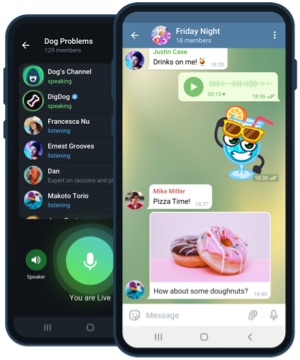
Signed official Telegram APK
Streams directly from the Telegram build system. The signature matches the Google Play distribution, so upgrades happen in place.
- Package
- org.telegram.messenger
- Architecture
- arm64 / arm / x86_64
- Signing
- Telegram Messenger
Delivered through region-aware mirrors. Files are streamed directly from the official Telegram build system.
Android compatibility overview
Android
Android 6.0 (Marshmallow) and up
Architecture
arm64-v8a, armeabi-v7a, x86_64
Storage
about 90 MB after install
RAM
2 GB minimum, 4 GB recommended
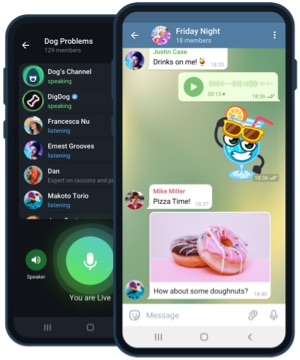
Sideload the Telegram APK safely
- 1
Download the signed APK
Tap the button to fetch the Telegram Messenger APK. The transfer runs over TLS 1.3 from the nearest mirror.
- 2
Allow install from this source
On Android 8+, when tapping the APK you may see a prompt asking to allow installs from your browser. Enable it once and revoke afterwards.
- 3
Verify the signature (recommended)
Use the Package Installer's signature summary or an app like APK Info to confirm the certificate belongs to Telegram Messenger.
- 4
Sign in and restore cloud chats
Enter your phone number, confirm the code, and Telegram will download your cloud chat history in the background.
Highlights on Android
Foldable and tablet layouts
Split-screen automatically shows the chat list on the left and the active conversation on the right, mirroring Telegram's iPad layout.
Battery saver friendly
Adaptive push cadence, dark theme, and lightweight animations reduce power draw on Snapdragon, MediaTek, and Tensor SoCs.
Custom notification tones
Each chat can have its own notification tone, vibration pattern, and LED colour on devices that still expose the LED indicator.
Android FAQ - APK signature, updates, and privacy
+Is the APK on this page different from the Google Play version?
Both builds share the same signing key. Sideloaded APKs update slightly faster because they do not wait for Google Play propagation.
+How do I keep the sideloaded APK up to date?
Telegram checks for a newer version in Settings > Advanced > Auto-update Telegram. You can also manually download the newest APK from this page.
+Will installing this APK affect my Google Play version?
The APK on this page carries the same package name and signature, so it upgrades your Play Store install in place without wiping data.
+How do I install on Android without Google services?
The APK works fully on devices without Google Play Services. Only push notifications rely on a fallback push channel provided by Telegram.